UnPlugged UP Phone Review.
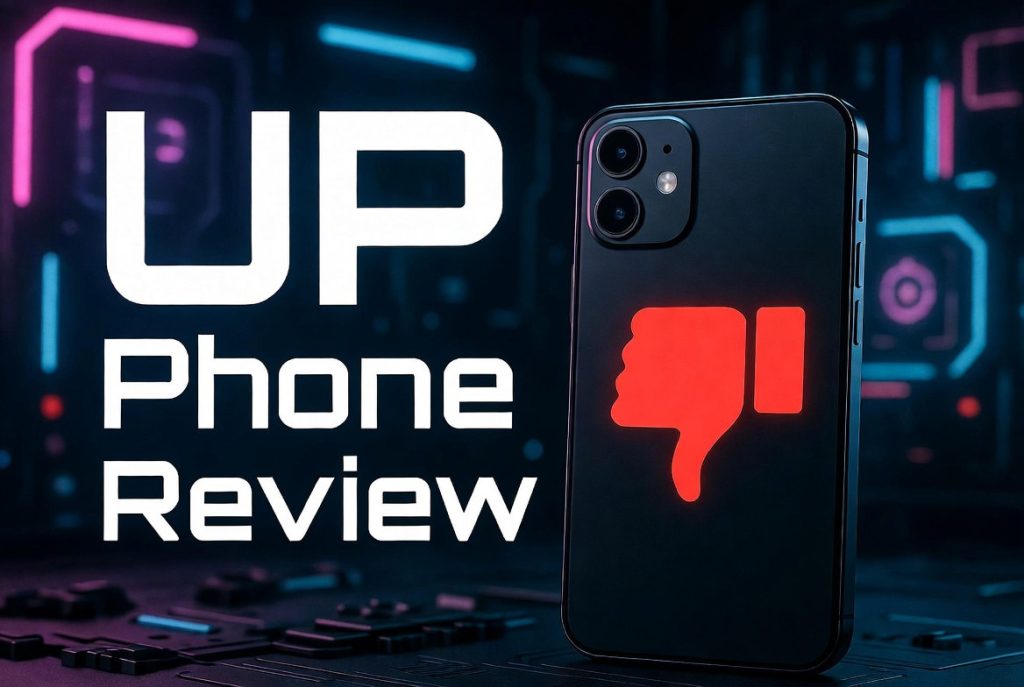
Is the Upphone Privacy Phone Worth $999? An Honest Review
Back in October 2025, I decided to start taking my digital privacy more seriously. Like a lot of people, I wanted a phone that would actually protect me, not just promise to. After some research, I landed on the Up Phone Privacy Phone by Unplugged, a device marketed specifically to privacy-conscious users. After several months of daily use, here’s my honest take.

Hardware Overview
The Up Phone runs on a MediaTek Dimensity 1200 CPU with 8 GB of RAM and 256 GB of internal storage, expandable up to 1 TB via a microSD card slot. It features a 6.6-inch display, a 108 megapixel main camera with an 8 megapixel ultrawide and 5 megapixel macro lens, and a 4,300 mAh battery.
To put the hardware in perspective, the specs are roughly equivalent to a Google Pixel 6a — and Google is currently on the Pixel 10. That puts the Up Phone about five to six years behind modern flagship hardware (later depending on the date you are reading this). If you’re paying a premium price, that gap is hard to ignore.
Battery life is a real problem. I had to plug this phone in every single day. On day two without charging, it was essentially dead. My iPhone and other Android devices regularly go multiple days between charges. For a $999 device, that’s simply not acceptable.
Privacy and Security Features
This is where the Up Phone is supposed to shine, and to its credit, it does have some genuinely compelling features.
Physical Hardware Kill Switch — This is the standout feature. A physical switch on the side of the device completely severs the electrical connection between the battery and the motherboard. Not a software “power off” — a true, hard disconnect. This matters because mainstream manufacturers like Apple and Google have made battery removal increasingly difficult, in part because their devices continue transmitting data to the cloud even when powered down. The Up Phone physically prevents that.
On-Device Ads and Tracking Firewall — Most tracking blockers work by routing your traffic through a VPN tunnel and filtering it there. The Up Phone blocks tracking packets directly on the device before they ever leave the network interface. That’s a meaningful distinction and a genuinely unique privacy feature.
Privacy Center App — A centralized dashboard that gives you granular control over your device hardware, including toggles for the camera, microphone, USB data, NFC, Wi-Fi, Bluetooth, GPS, and even 2G network access (which is a known attack vector). One limitation worth noting: these controls are phone-wide. You cannot grant specific apps selective access to certain hardware — it’s all or nothing.
Emergency Wipe PIN — You can configure a secondary PIN code that, when entered at the lock screen, immediately wipes the device to factory defaults. If you’re ever coerced into unlocking your phone, this gives you a way out without giving up your real data.
Scheduled Reboots — The device can be configured to reboot on a set schedule. This clears volatile memory, removes any stale session data, and gives the device a clean state — a simple but effective security practice.
No-Log VPN — A built-in VPN client that the company claims keeps no logs of your IP connections or browsing activity.
Zero-Knowledge Cloud Photo Storage — Photos stored in the cloud are encrypted with zero-knowledge encryption, meaning even Unplugged cannot access them. The CEO has publicly stated that a government agency requested access to a user’s cloud photos and was unable to obtain them due to this encryption model. That’s a strong real-world test of the claim.
Built-In Antivirus — A malware and tracker scanner for installed apps. Handy, though not unique to this device.
Real-World Issues I Ran Into
The privacy features are genuinely interesting, but daily use revealed some frustrating problems.
Contact Import Bug — On day one, the Up Switch app (used to migrate contacts from an iPhone or Android) prefixed every phone number with a plus sign, corrupting the entire contact list. I didn’t discover this for a couple of weeks, when calls and texts to family members started failing. Not a great first impression.
App Compatibility — The X (formerly Twitter) app did not work out of the box. A web-based workaround exists, but it’s not the same experience. Most major apps — Instagram, Facebook, banking apps — worked fine. However, if you need Google apps, you’ll need to install Google Mobile Services and Google Play, which effectively reopens your device to Google’s data collection ecosystem and defeats much of the purpose.
IPv6 Fallback Failure — This was the issue that ultimately made me stop using the device. My home network uses a T-Mobile hotspot, which was assigning an invalid IPv6 DNS address to the Upphone. Every other device I own — laptops, phones, smart TVs — handles this gracefully by falling back to IPv4. The Up Phone does not have IPv4 fallback. I reported the issue to support, sent packet captures to their engineering team, and waited three months for a fix that never came. During a storm, I missed an important message from a family member. That was the last straw. I just can’t risk the device not working on Wi-Fi while traveling. Sure, the WiFi was misconfigured by my ISP, but from a consumer perspective, the fallback is necessary to operate even in environments where IPv6 may just not be working correctly. IPv6 isn’t that old and the implementation has been clunky at best.
Behind On Security Updates – Another thing that I noticed is that the device is running a very old version of Android, version 14 to be specific. Even at the time of this writing, the last security updates applied by UP Phone to their custom Android version were in October of 2025, nearly 6 months ago! This can leave the device susceptible to exploitation, which is totally unacceptable.
Is It Worth $999?
The $999 price tag also comes with a $12.99 per month subscription fee after the first year to access the VPN and secure cloud storage.
For comparison, here’s what I did instead: I picked up a Google Pixel 10 for $550, flashed GrapheneOS on it (a hardened, privacy-focused Android build), and subscribed to Proton for $6.99 per month. For the same price as the Upphone alone, I get about eight years of Proton service — which includes a no-log VPN, a secure email address, an encrypted calendar, and 500 GB of zero-knowledge encrypted file storage (not just photos).
The Upphone’s cloud storage is photos only. Proton covers photos, files, and just about anything else.
Final Verdict
The Up Phone has some genuinely innovative privacy features — particularly the physical kill switch and the on-device tracking firewall. The zero-knowledge photo storage is a real differentiator. But the five-to-six-year-old hardware, poor battery life, IPv6 connectivity issues, and slow engineering response to critical bugs make it difficult to recommend at $999.
If you’re serious about mobile privacy, a Pixel running GrapheneOS paired with a Proton subscription gives you comparable — and in many ways superior — privacy protections at a lower total cost, on modern hardware, with a much larger support community behind it.